WordPress is not hard to maintain. It is relentless. Each task is simple; the problem is that the tasks never stop, the consequences of skipping them arrive months later, and most owners were never told the work existed. We build and look after WordPress sites, including our award-winning site for Dandy Loans, and we also build on platforms with almost no maintenance at all, so this is an honest account of what owning a WordPress site involves, what it costs in Australia, and when the right move is to stop maintaining and rebuild.
What does maintaining a WordPress website actually involve?
Four kinds of work, every month: updating WordPress core, the theme and every plugin, then checking the site still works; backing the site up and knowing you can restore it; watching for security problems and cleaning up if something gets in; and keeping the hosting, PHP version and database current. Add the small changes every business needs (a new team member, a price, a seasonal banner) and you have the month. None of it is difficult. All of it is necessary.
Why WordPress needs more care than other platforms
WordPress runs 39.6% of all websites (W3Techs, 18 October 2026), which makes it the most attractive target on the internet, and its strength, the plugin ecosystem, is also its exposure. Patchstack's State of WordPress Security in 2025 counted 7,966 new vulnerabilities in the WordPress ecosystem in 2024, about 22 a day and 34% more than the year before. Ninety-six per cent were in plugins, 4% in themes, and only seven in WordPress core, none of them significant. A third were not fixed before they were publicly disclosed.
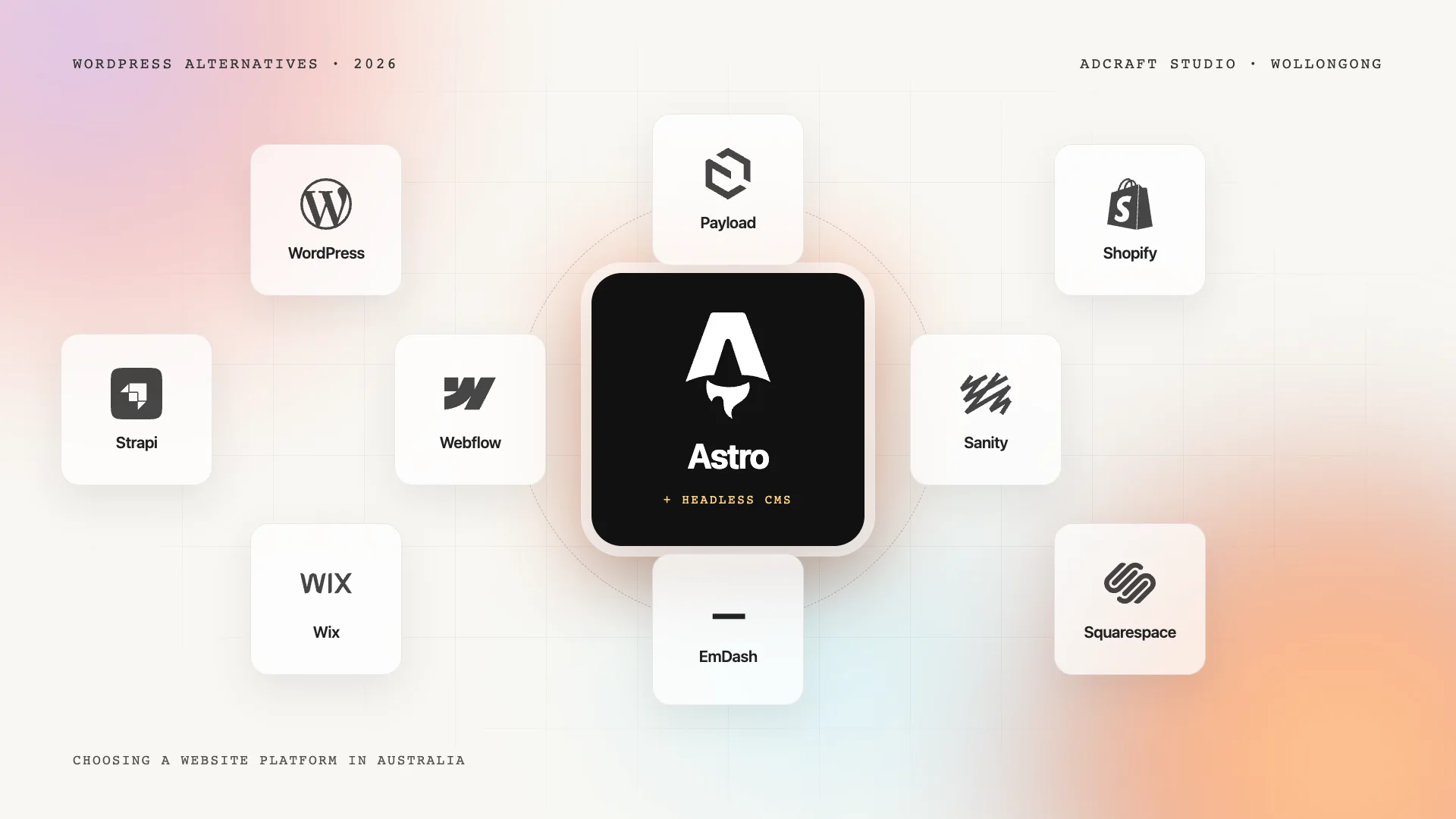
Read that the way a site owner should: WordPress itself is well maintained. The risk lives in the twenty or forty plugins a typical site accumulates, each written by a different person, each needing updates, and each a door into your site if it is left alone. A hosted platform such as Webflow, Shopify or Squarespace has no plugins for you to patch; an Astro site with a headless CMS has no public server to patch at all. On WordPress, the patching is yours.
The monthly checklist a care plan actually runs
This is the list we work through for every WordPress site on a care plan. If you maintain your own site, it is yours too.
- Updates. WordPress core, theme and plugins, applied on a staging copy first where the site matters, then on the live site, then a check of the home page, the contact form, the booking or checkout flow and the phone links. Updates break things more often than hackers do.
- Backups. Daily, stored away from the hosting account, with a restore tested at least quarterly. A backup you have never restored is a hope, not a backup.
- Security. Malware scanning, a firewall or security plugin kept current, login protection, and removal of plugins and themes that are installed but inactive (inactive code still gets exploited).
- Hosting and PHP. WordPress currently recommends PHP 8.3 or newer and MariaDB 10.11 or MySQL 8.0 (WordPress.org requirements). Hosts retire old PHP versions; sites on them stop getting security fixes and eventually stop working.
- Performance. Image sizes, caching, the plugin that was added for one campaign and never removed. The 2024 Web Almanac found only 40% of WordPress sites passed Google's Core Web Vitals on mobile, and most of the misses are accumulated weight rather than anything fundamental.
- Forms and tracking. A broken contact form is a silent loss of every enquiry until someone notices. Test it monthly, and check that analytics and conversion tracking still fire after updates.
- Licences and renewals. Premium theme and plugin licences, the domain, the SSL certificate and the hosting plan all expire on their own schedules.
How long does WordPress maintenance take?
For a typical small business site, two to four hours a month when nothing goes wrong, split across the checklist above. The hours that matter are the ones when something does go wrong: an update that breaks the checkout at 8 pm, a hacked site that Google flags as dangerous, a host that retired PHP 7.4 and took the site offline. Those are the hours that make owners search for alternatives, and they are the reason care plans exist.
How much does WordPress maintenance cost in Australia?
Three numbers, all per month.
- Hosting: $20 to $80 for managed WordPress hosting worth having; cheaper shared hosting exists and is usually where speed problems start.
- Licences: premium themes, page builders, forms, SEO and security plugins commonly total $100 to $600 a year, or $10 to $50 a month.
- Care: doing it yourself costs your time; an agency care plan in Australia typically runs from under $100 a month for updates and backups to several hundred for monitoring, changes and performance work. Our web care and hosting plans run from $50 to $250 a month depending on the site, and include the checklist above.
A WordPress site with hosting, licences and a care plan therefore costs roughly $100 to $400 a month to own properly. That is the honest comparison with a hosted platform's subscription or a headless site's near-zero hosting plus a lighter care plan. Our guide to website costs in Australia puts those side by side.
What is the downside of using WordPress?
The downside is not the software; it is the ownership model. You own everything, which means you are responsible for everything: updates, security, hosting, speed and compatibility between dozens of pieces written by different people. For a business with an in-house person who knows WordPress, or a care plan, that is a fair trade for the flexibility. For a business with neither, it is the slow accumulation of risk that ends in a hacked or broken site. The other downsides follow from the first: page builders that make sites heavy, plugin conflicts after updates, and the temptation to solve every problem by installing something.
Signs your WordPress site needs a rebuild, not more maintenance
- The theme or page builder is no longer updated, or updating it breaks the layout.
- The site has been hacked more than once.
- Mobile pages take more than three seconds to show their main content and no amount of caching fixes it.
- Nobody on your team can make a change without fear.
- The maintenance bill is approaching what a new site would cost over two years.
At that point the honest advice is a website redesign, either on WordPress built cleanly with few plugins and a care plan, or on a platform that removes most of the maintenance. Our WordPress alternatives guide sets out those options with costs.
When WordPress is still worth maintaining
A lean WordPress site with a good theme, a short plugin list, managed hosting and someone watching it is a fine asset. We built the Trademark Construction site that way: 19 service pages and 12 suburb pages for a Wollongong carpenter, editable by the owner, with a care plan behind it. WordPress is hard to maintain only when it is left to maintain itself.
Frequently asked questions
Is WordPress hard to maintain for beginners?
The individual tasks are not hard: clicking update, checking the site, running a backup. What catches beginners is that the tasks never end, that an update can break the site with no warning, and that the consequences of skipping security work arrive months later. If you will not do it every month, pay someone a care-plan fee or choose a platform that does it for you.
How often should a WordPress site be updated?
Check for updates at least monthly, and apply security updates as soon as they are released, because a third of WordPress plugin vulnerabilities are public before a fix exists. Test important flows (forms, bookings, checkout) after every round of updates. Major WordPress core releases arrive a few times a year; plugins update far more often.
Is a WordPress website really free?
The software is free. Running it is not: hosting, premium plugin and theme licences, a domain, and either your time or a care plan. Budget $100 to $400 a month to own a business WordPress site properly, or less if you are confident doing the maintenance yourself.
Can I just not update my WordPress site?
You can, and many owners do, which is why hacked small business sites are so common. An unmaintained site becomes slower, breaks on newer browsers and PHP versions, and eventually gets exploited through a plugin flaw everyone else patched. If you do nothing else, keep core and plugins updated and take backups.
Should I switch from WordPress to something else?
Switch if the maintenance has become a burden nobody owns, if the site has been hacked or is slow despite effort, or if your team would be happier on a hosted platform or a headless site. Stay if you have a lean, maintained site and people who know it. The platform is rarely the problem; neglect is.
If your WordPress site needs looking after
Our web care and hosting plans run the checklist above every month, from $50 a month, with Australian managed hosting and a person who answers the phone. If the site is past saving, we will say so and show you the options. Ask for a site health check.