WordPress still runs 39.6% of all websites and holds 58.4% of the CMS market, according to W3Techs (18 October 2026). It is also the platform most Australian business owners ask us about leaving. Both things are true at once, and the lists of "19 best WordPress alternatives" that rank for this search do not help you decide, because they are written to sell hosting or a page builder and they ignore the options that serious agencies now use. We build on WordPress, Webflow, Shopify and Astro with a headless CMS, so this is the comparison we give clients: what each option is good at, what it costs to own in Australia, and when WordPress is still the right answer.
Is WordPress still worth it in 2026?
Yes, for some businesses. WordPress is still right when your team already knows it, when you need a plugin ecosystem for something specific (membership, LMS, complex directories), when a developer you trust maintains it, or when you are running WooCommerce and the store is working. Our award-winning Dandy Loans website runs on WordPress, and so do most of the tradie sites we build, because a carpenter's receptionist can update a WordPress page without calling anyone.
WordPress stops being right when nobody is maintaining it, when page builders have made it slow, when plugin licences and hosting add up to more than a modern alternative, or when the site has become a liability rather than an asset. The 2024 Web Almanac found only 40% of WordPress sites passed Google's Core Web Vitals on mobile, against 57% for Wix and 60% for Squarespace. That is not WordPress's fault so much as what gets installed on it, but the owner lives with the result either way.
The alternatives, by what you are actually buying
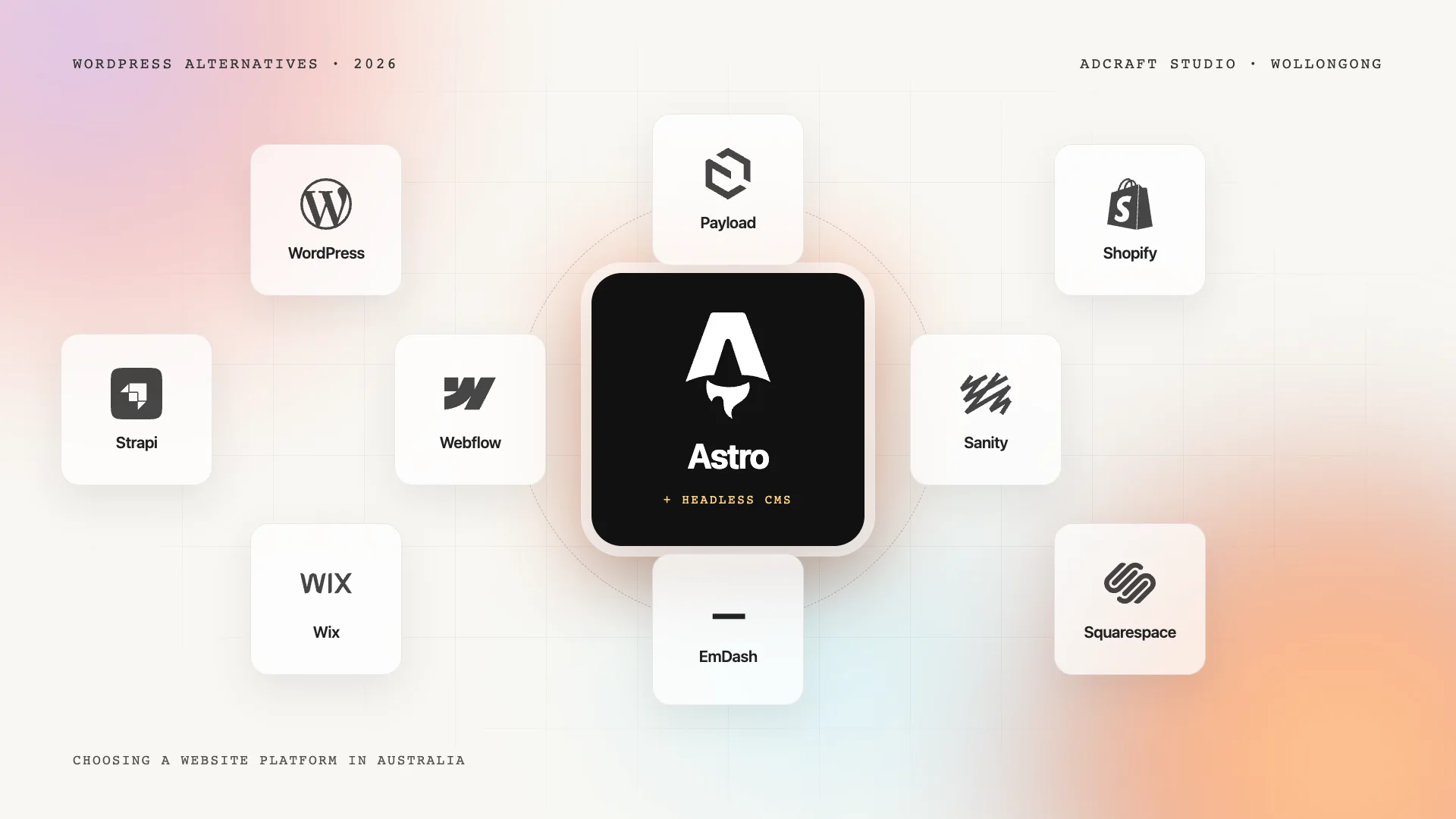
There are four kinds of alternative, and the right one depends on your business, not on a feature list.
Hosted website builders: Wix, Squarespace
One subscription, templates, drag-and-drop editing, hosting and security handled for you. Good for a sole trader or a cafe that needs a clean presence and will never need custom functionality. Limits: templated design, weaker control over speed and search structure, and your content is harder to take with you. Cheapest to run; most limiting to grow.
Design-first platforms: Webflow
Webflow is a hosted platform where a designer builds a genuinely custom site without a developer, with a CMS for blogs and listings and hosting included. It suits service businesses that want a distinctive, fast site a marketing manager can edit. It is what most of our custom marketing sites were built on for years. Costs are a monthly hosting plan per site plus the build; there are no plugins to update. We compared the two in detail in Webflow vs WordPress.
Commerce platforms: Shopify (and WooCommerce)
If selling online is the point of the site, Shopify is the default for a reason: checkout, payments, shipping, tax and apps are handled, and the store stays up during a sale. WooCommerce (WordPress) remains an option when you want full control and already live in WordPress, with the maintenance that implies. Our ecommerce platform comparison goes through Shopify, Webflow and WooCommerce for Australian stores.
Modern code with a headless CMS: Astro + EmDash, Payload, Sanity, Strapi
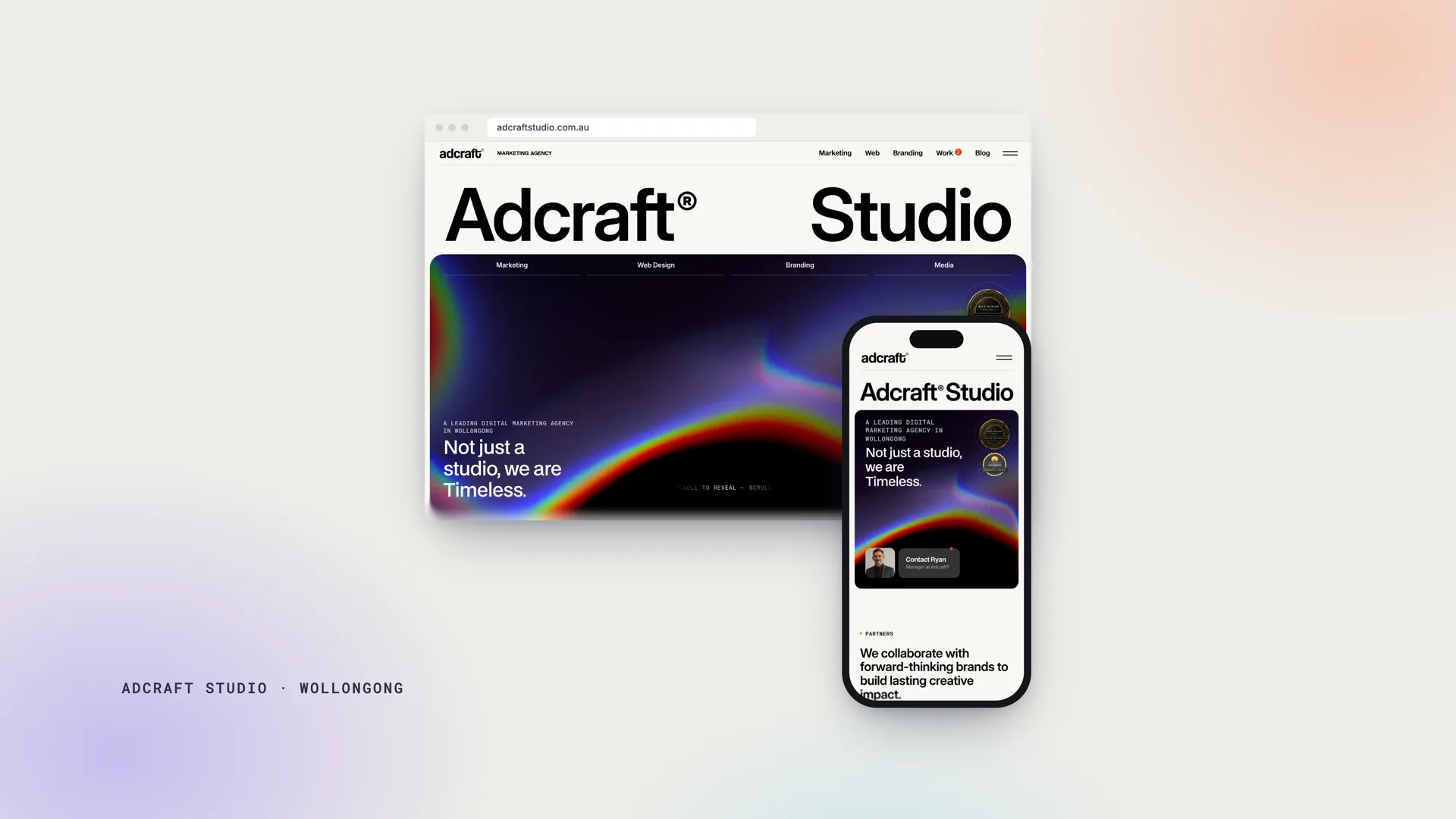
This is the option the list posts leave out, and it is what we moved our own website to in October 2026. The site is built with Astro, a web framework for content sites that ships very little JavaScript (Astro's own figure is 40% faster with 90% less JavaScript than the most popular React framework), and the content is edited in a headless CMS, in our case EmDash. The pages are served from Cloudflare's edge, so there is no server to patch and nothing to slow down. On our own measurements the rebuilt pages score 95 to 100 on Lighthouse desktop and 90 to 97 on mobile. Design and structural changes are made in code by the studio, which suits businesses that want the fastest, most secure site and a team looking after the build while they look after the content. The Astro and headless CMS explainer covers what this looks like for an editor and how EmDash, Payload, Sanity and Strapi differ.
Comparison: what each option asks of you
- WordPress. Edited by anyone after some training. Design freedom is high with a developer and templated without one. Speed depends entirely on the theme and plugins. Security and updates are your job or a care plan's. Ecommerce through WooCommerce. Full ownership and portability (open source). Running cost: hosting plus licences plus care.
- Wix and Squarespace. Edited by anyone. Design freedom low to medium. Speed medium. Security and updates included. Basic ecommerce. Low portability; your content is hard to take with you. Running cost: one subscription.
- Webflow. Edited by a marketing manager comfortably. Design freedom high. Speed high. Security and updates included. Basic ecommerce. Medium portability (export is partial). Running cost: a hosting plan per site.
- Shopify. Edited by anyone. Design freedom medium, high with a developer. Speed medium to high. Security and updates included. Ecommerce is the point of it. Medium portability. Running cost: subscription plus apps and transaction fees.
- Astro with a headless CMS. Content edited by anyone in the CMS admin; design changes need a developer. Design freedom highest. Speed highest. Security and updates minimal (no server, no plugins). Ecommerce through Shopify or a headless commerce service. Full ownership of code and content (open source). Running cost: hosting that is often near zero, plus a care plan.
What it costs to own each one in Australia
Build costs are similar across platforms once the design is custom: in our studio, website projects start from $5,000 and take four to eight weeks whichever platform they land on. The differences are in running costs.
- WordPress: managed hosting ($20 to $80 a month for anything decent), premium plugin and theme licences ($100 to $600 a year is common), and either your time or a care plan for updates, backups and security. We charge $50 to $250 a month for web care depending on the site.
- Wix and Squarespace: one subscription, typically $20 to $60 a month, with ecommerce tiers higher. Nothing else to pay, nothing else to control.
- Webflow: a site hosting plan from roughly $20 to $50 a month for a marketing site, more for a large CMS or ecommerce site. No plugin licences, no security patching.
- Shopify: a monthly plan plus transaction fees and apps, which is where costs creep; budget for the apps you will actually use before you compare.
- Astro with a headless CMS: hosting on Cloudflare, Vercel or Netlify is often free or a few dollars a month at business traffic levels; the CMS is free if self-hosted (EmDash, Payload and Strapi are MIT-licensed open source) or a subscription if hosted (Sanity, Strapi Cloud). What you pay for is developer time when you want structural changes, which is why we pair it with a care plan.
Over three years, a WordPress site with a care plan and a Webflow or Astro site with the same care plan land in a similar place. The difference is where the money goes: on WordPress it goes to keeping the thing standing; on the others it goes to improving it.
How to choose: five questions
1. Is online selling the main job of the site? Shopify, unless you have a strong reason not to. 2. Who will edit it every week, and what are they comfortable with? If the answer is "a staff member who knows WordPress", that counts for a lot. If it is "the marketing manager", Webflow or a headless CMS will serve them better than WordPress. 3. Do you need a specific plugin ecosystem? Memberships, courses, booking systems with deep integrations: WordPress still has the widest shelf. 4. How much do speed and security matter to your enquiries? For a trade, a clinic or a professional firm whose enquiries come from Google on a phone, they matter a great deal, and the headless route or Webflow removes most of the risk. 5. Who maintains it? No platform is maintenance-free, but the amount differs by an order of magnitude. If nobody will own the updates, do not choose WordPress.
When we still recommend WordPress
We built Dandy Loans and Trademark Construction on WordPress in the last year and would again: an in-house team that edits daily, integrations that exist as mature plugins, and a client who has a care plan. The Patchstack 2025 report counted 7,966 new vulnerabilities across the WordPress ecosystem in 2024, 96% of them in plugins, which is exactly why "WordPress with a care plan and few plugins" is a sound choice and "WordPress with 40 plugins and no one watching" is not. The platform is fine. Neglect is the problem, and our guide to what maintaining WordPress really involves sets out the work.
Frequently asked questions
What is the best alternative to WordPress for a small business in Australia?
For a service business that wants a custom, fast site a marketing manager can edit, Webflow or an Astro site with a headless CMS. For a store, Shopify. For a sole trader who needs a simple presence this year, Squarespace or Wix. The best alternative is the one that matches who will edit the site and what it has to do, not the one with the longest feature list.
Is WordPress outdated in 2026?
No. It runs about four in ten websites and is actively developed, with recommended PHP 8.3 and current databases. What is outdated is the way many WordPress sites are run: old themes, piles of plugins and no maintenance. A well-built, well-maintained WordPress site is still a good site; an abandoned one is slow and exposed, and that is the experience most owners are reacting to when they search for alternatives.
Can I move my WordPress site to another platform without losing Google rankings?
Yes, if the move keeps every URL (or redirects each old one to its new equivalent), keeps titles, descriptions and content, and the new site is at least as fast. We moved our own site from Webflow to Astro with every URL unchanged and no ranking loss. Migrations go wrong when URLs change silently or thin pages are merged without redirects.
Is a headless CMS harder to use than WordPress?
For editors, no. Writing a post or changing a page in EmDash, Payload or Sanity is the same kind of form-and-preview work as WordPress, usually with fewer menus. Design and structural changes are made in code by the studio, which keeps them consistent and tested; for most businesses that is a relief rather than a chore.
How long does a platform migration take?
Four to eight weeks for a typical business site, the same as a new build, because the design is rebuilt rather than copied. Content migration and redirects are the parts that need the most care, and they are where the time should go.
Choosing with someone who builds on all of them
If you are weighing a move off WordPress, or deciding what a new site should be built on, we can show you the same site on two platforms and what each would cost to run. Start with custom web design or tell us what the site has to do.