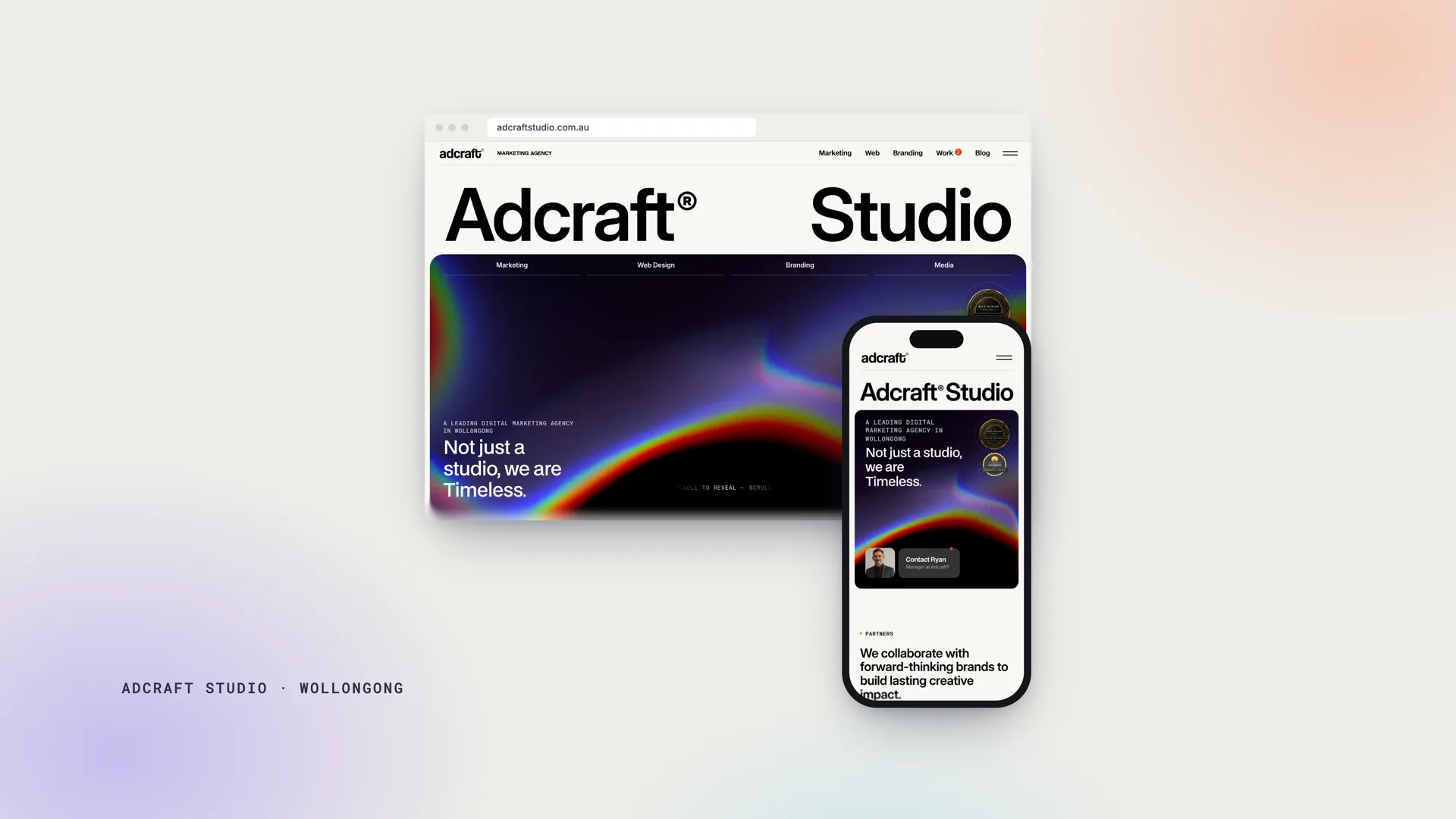
If a developer has proposed an "Astro site with a headless CMS" and you are not sure what that means or why it should cost what it costs, this article is for you. We rebuilt adcraftstudio.com.au on exactly that stack in October 2026, moving it off Webflow, and we build client sites on WordPress, Webflow and Shopify as well, so this is written from the business side of the decision rather than the developer's.
What is Astro, in plain terms?
Astro is a web framework for building content websites (marketing sites, blogs, documentation, stores) that sends the visitor's browser as little JavaScript as possible. Most modern frameworks ship a whole application to the phone and build the page there; Astro builds the page on the server or at the edge and sends finished HTML, adding small interactive "islands" only where a page needs them (a menu, a form, a carousel). Astro's own documentation puts the effect at 40% faster loads with 90% less JavaScript than an equivalent site on the most popular React framework. For a business, the practical meaning is simple: pages that open instantly on a phone, which is where most of your enquiries start.
What is a headless CMS?
A content management system with no front end of its own. WordPress is "headed": the admin and the public website are the same application, which is why a plugin can break both. A headless CMS stores and edits the content (pages, posts, images, case studies) and hands it to whatever front end you build, in our case Astro. Editors get an admin panel much like WordPress's; visitors get a site built with modern code. The two are separate, so an editor cannot break the site and a slow plugin cannot slow it down, because there are no plugins in the visitor's path.
Why we rebuilt our own website this way
Our previous site ran on Webflow and served us well. We moved for three reasons that apply to many service businesses.
Speed on phones. The rebuilt pages score 95 to 100 on Lighthouse desktop and 90 to 97 on mobile in our own tests, with the pages cached at Cloudflare's edge so they are served from a data centre near the visitor rather than from a server that has to think. Speed is a ranking signal and, more importantly, a conversion factor; our article on site speed and rankings covers the first half of that.
Ownership and cost. The code is ours, the content lives in our own database, and the CMS is open source. Hosting a site like this on Cloudflare costs a few dollars a month. There are no per-seat editor fees, no plan tiers that gate a feature, and nothing we cannot export.
Nothing to patch. There is no PHP, no database exposed to the internet, no plugin marketplace. The attack surface of the public site is close to zero, and the monthly maintenance is updating the CMS itself when a release is worth taking.
What changes for the people running the site: editors write, publish, swap images and edit SEO titles in the admin, and the visual editor lets them click text on the live page and change it, so day-to-day content is entirely in their hands. Design and structural changes are made in code by the studio, usually within a care plan, which is how the design stays consistent and the site stays fast as it grows. For most of our clients that is the arrangement they wanted anyway: they look after the words, we look after the build.
How the headless CMS options compare
The CMS matters less to visitors than to the people editing the site. These are the ones we would put in front of an Australian business today.
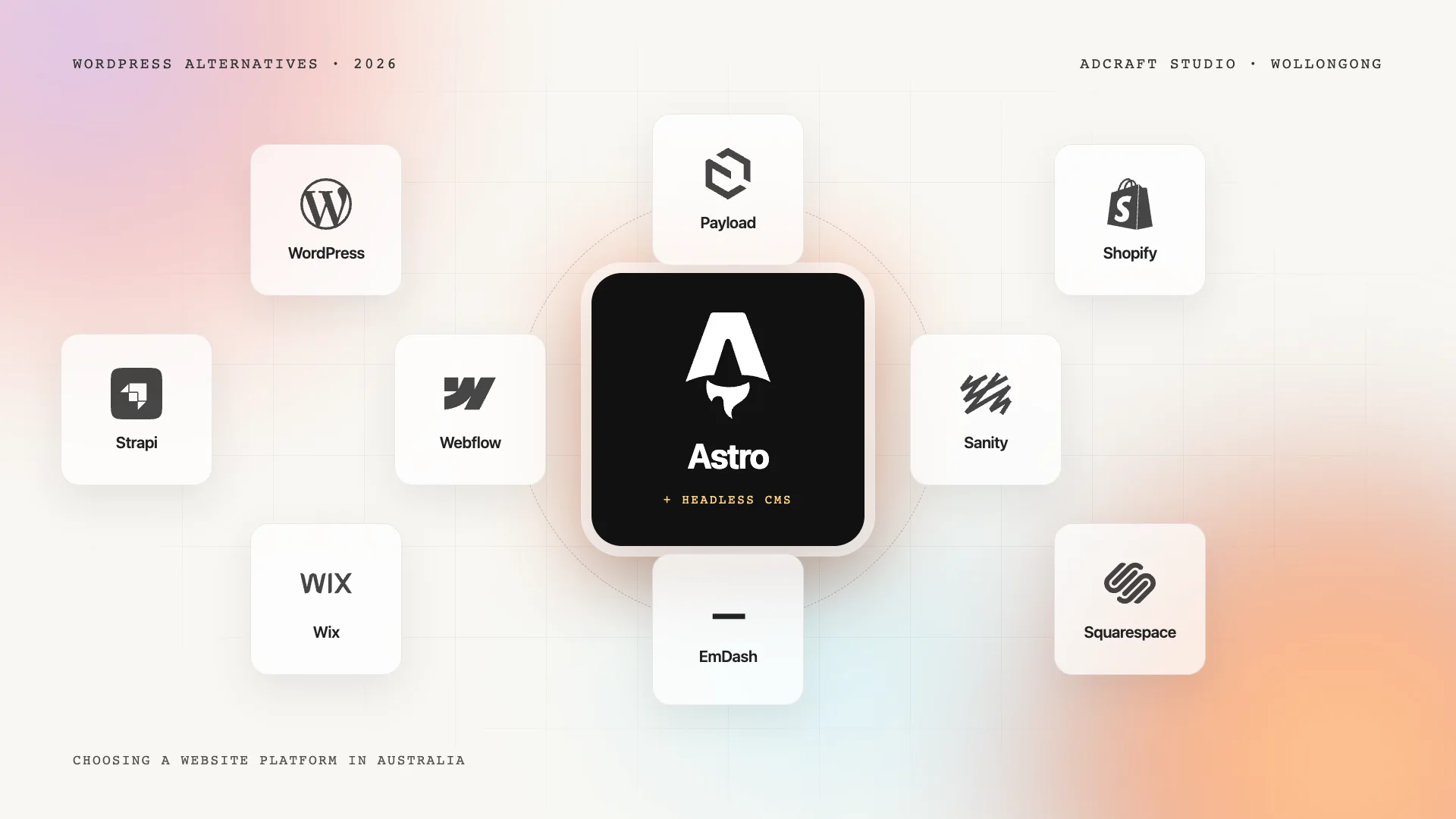
- EmDash. A CMS built on Astro itself: admin panel, passkey sign-in, visual editing on the live page, a media library and a WordPress importer. Self-hosted on Cloudflare Workers or Node.js. MIT open source, so the software is free and you pay only for hosting. Best for Astro sites that want the whole stack in one place, including ours.
- Payload. A code-first CMS built into a Next.js application, with a generated admin and a TypeScript schema; the team joined Figma in 2025. Self-hosted or on Payload Cloud. MIT open source. Best for teams already on Next.js, or building custom applications beyond a website.
- Sanity. A hosted content platform with a customisable editing studio and real-time collaboration. Runs in Sanity's cloud on a subscription with a free tier. Best for organisations with many editors and structured content reused across channels.
- Strapi. An open-source headless CMS with a configurable admin. Self-hosted (MIT) or on the paid Strapi Cloud. Best for teams that want self-hosted control with a conventional admin.
- Headless WordPress. WordPress kept as the editing tool, with the public site built in Astro or Next.js. Two sets of hosting. Best for teams that love the WordPress editor and want a faster front end, accepting that WordPress's maintenance stays.
How we chose: EmDash is Astro-native, so the content, the pages and the hosting are one system with one deployment, and it imports WordPress sites cleanly. Payload is excellent but assumes Next.js. Sanity is the right answer when fifty people edit the same content; it is more than a service business needs. Headless WordPress keeps the editor people know but keeps WordPress's maintenance too.
What editing feels like compared with WordPress
For the person updating the site each week: a login, a list of pages and posts, forms with the fields that matter (title, body, images, SEO title and description, publish date), a media library, and a preview. In EmDash there is also visual editing: open the live page in edit mode, click a heading or paragraph, change it, publish. There is no plugin menu, no update nag, no theme options page, and no way to install something that breaks the site. New features are added in code by the studio rather than from a marketplace, which means each one is built to fit the site and tested before it goes live.
When Astro and a headless CMS is the right choice
- Your enquiries come from people on phones finding you through Google, and speed matters to both rankings and conversions.
- The site is a marketing site, a content site or a brochure with forms, not a web application with logged-in users (those can be built too, but the case is different).
- You want to own the code and the content outright and keep running costs near zero.
- You want a studio looking after the build on a care plan, so design changes arrive finished and tested rather than as a job on your list.
- Security matters: healthcare, finance, professional services and anyone who has been through a hacked WordPress site.
When it is not
- Your team edits daily and already knows WordPress well, and changing their tool costs more than it saves.
- You depend on a specific WordPress plugin ecosystem (memberships, courses, complex booking) and the headless equivalents would be custom builds.
- The site is primarily a store with a large catalogue, where Shopify's checkout and apps do the heavy lifting; Astro can front a Shopify store, but most businesses do not need that complexity.
- You want to redesign pages yourself, hands on, without a developer. Webflow serves that wish better.
Our WordPress alternatives guide puts this option beside Webflow, Shopify and the builders with running costs for each.
What it costs
A custom Astro build costs about the same as a custom WordPress or Webflow build, because the cost is in design, copy and development rather than in the platform; our custom web design projects start from $5,000 and take four to eight weeks. Running costs are lower: hosting on Cloudflare, Vercel or Netlify is free or a few dollars a month at typical business traffic, and an open-source CMS has no licence fee. A web care plan covers CMS updates, monitoring, backups and the small changes every site needs, and on this stack it is lighter work than the WordPress equivalent.
Frequently asked questions
Is Astro better than WordPress?
For a content or marketing site where speed, security and ownership matter, usually yes: Astro sends far less JavaScript, has no plugins to patch and can be served from the edge. WordPress is better when your team relies on its editor and plugin ecosystem and someone maintains it. They solve the same problem with different trade-offs; neither is better for every business.
Can I edit an Astro website myself?
Yes, through the headless CMS. Pages, posts, images, SEO fields and publishing are all in an admin panel, and EmDash adds visual editing on the live page, so everyday updates take minutes and need no training beyond a handover. Design and structural changes are made in code by the studio, usually within a care plan, so they arrive finished and tested.
Is a headless CMS good for SEO?
Yes, and often better in practice, because the front end is fast, the HTML is clean and every title, description, heading and schema element is under direct control. Search engines read the finished pages, not the CMS, so what matters is the site Astro produces, and that is where this stack is strongest. Our own migration kept every URL and lost no rankings.
What does it cost to host an Astro site?
Usually a few dollars a month or nothing at typical business traffic on Cloudflare, Vercel or Netlify, because the pages are static or served from the edge and the CMS can run alongside them. Budget instead for a care plan that covers updates and changes.
What is the difference between EmDash and Payload?
Both are open-source (MIT) headless CMSs defined in code. EmDash is built on Astro and runs the admin, content and site as one Astro project on Cloudflare Workers or Node.js, with visual editing and a WordPress importer. Payload is built into Next.js and suits teams on that framework or building custom applications; it has been part of Figma since 2025. For an Astro website, EmDash is the more natural fit.
Seeing it before you decide
The fastest way to understand the difference is to see a page from your current site rebuilt this way and tested side by side. Start with custom web design or tell us what your site has to do, and we will show you the numbers.