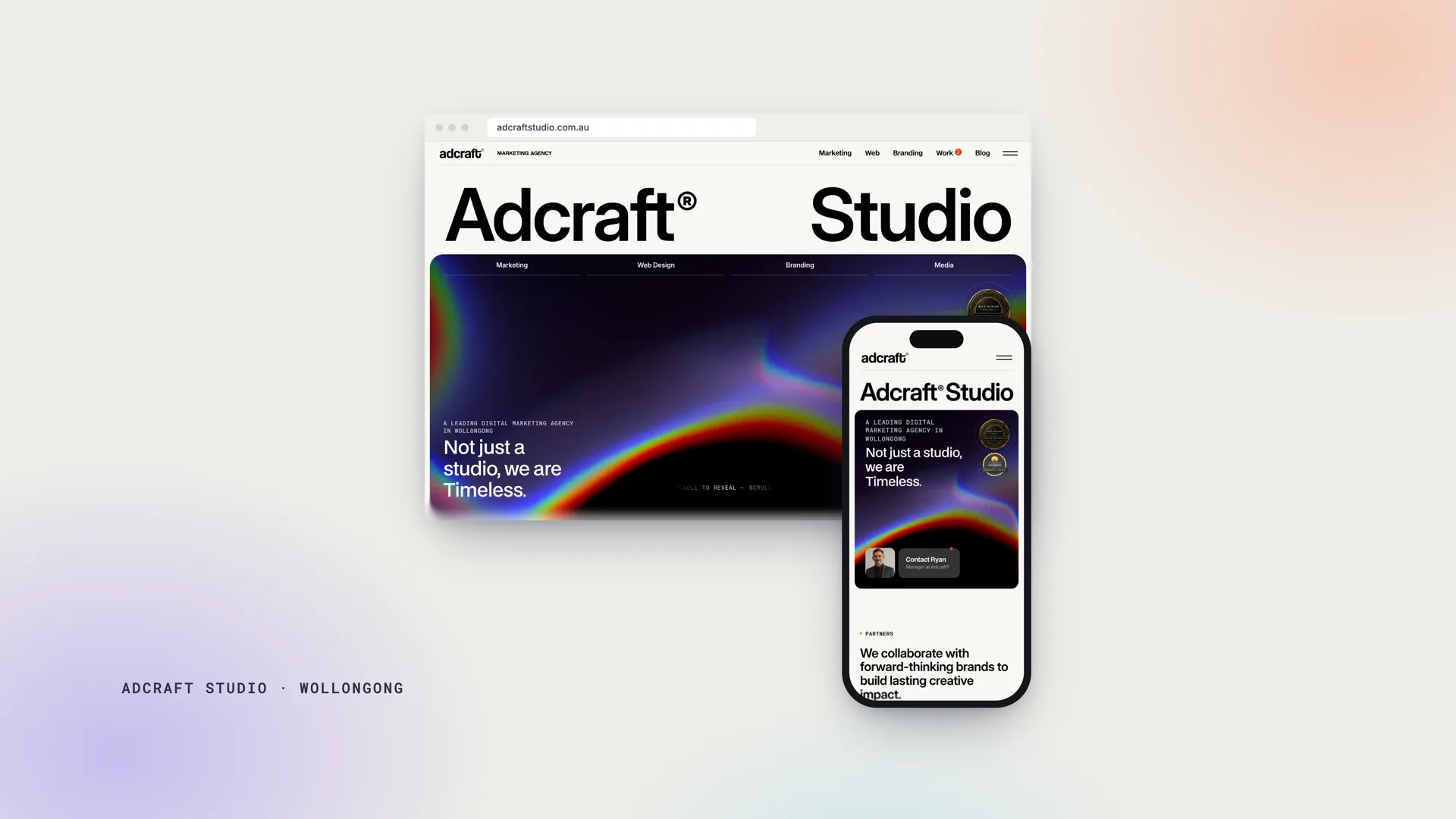
Website Design With Motion Will Make Businesses Stand Out
Creating a memorable and engaging user experience is essential for any business, but knowing where to begin can be tricky.
Adding motion elements to your website can transform it from a static platform into an interactive and captivating tool that grabs attention and sets you apart from the competition.
Here, we'll explore five key benefits of incorporating motion into your company's website and highlight a case study of how we applied these principles for an HR Company - with great success.
Engagement In Design: Interest Your Audience
Motion elements, such as animated graphics, transitions, and interactive features, are excellent tools to draw users in.
These elements keep visitors interested, encouraging them to stay longer on your site and explore further.
For example, a subtle hover animation on buttons or images can create a more engaging experience, making your website feel dynamic and alive.
💡 Pro Tip: Incorporate motion sparingly to avoid overwhelming users. Focus on areas like navigation menus or hero sections to make the greatest impact.
(By the way, for a comprehensive website audit or redesign that prioritises user engagement, feel free to visit our Web Design and Development page).
Visual Hierarchy: Guiding the User Journey with Dynamic Website Design
Motion can enhance visual hierarchy, which refers to the way a webpage organises content to guide the user's attention.
For instance, animated calls to action (CTAs) or sliding banners can direct users to the most important sections of your website, such as a product showcase or contact form.
Effective use of motion ensures that visitors follow the intended flow through your website, improving their overall experience and increasing the likelihood of conversions.
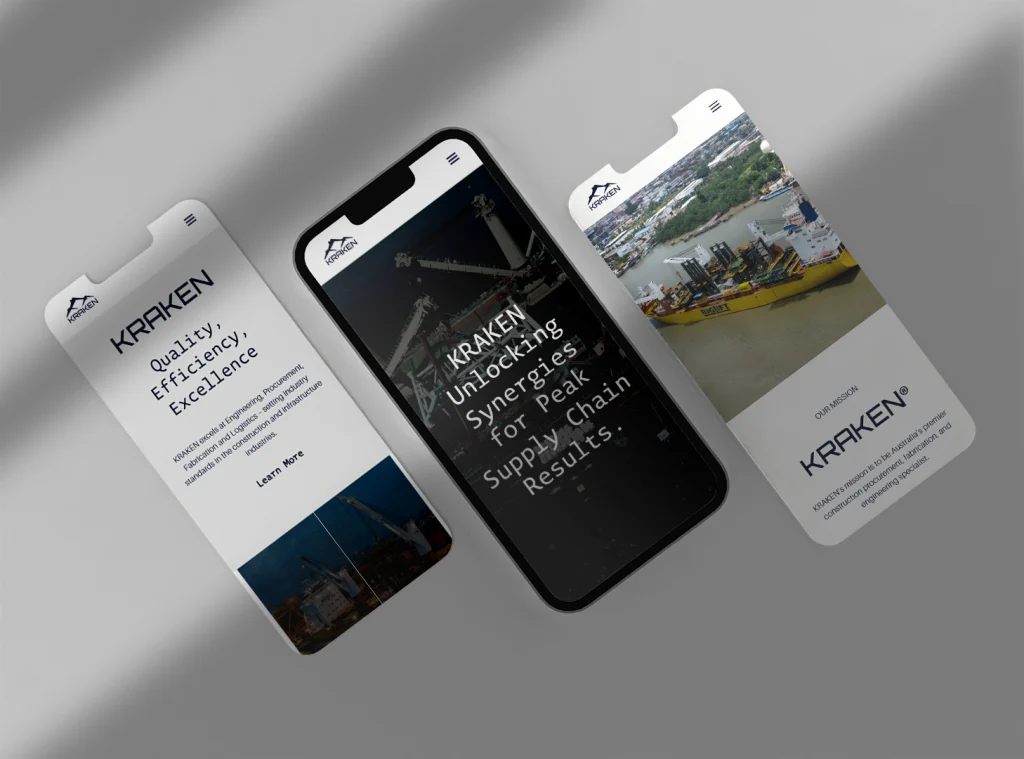
Tactile Feedback: Improving Usability
Have you ever clicked a button and wondered if the website registered your action?
Motion can provide immediate feedback, reassuring users that their interaction was successful. For example:
- A loading spinner shows progress during form submissions.
- Button animations confirm clicks or hover actions.
These small but meaningful details can greatly enhance usability and create a smoother experience for your audience.
Storytelling: Bringing Your Brand to Life
Motion is a powerful storytelling tool.
By animating key elements of your website, you can visually communicate your brand's story or showcase products and services in a more compelling way.
A short explainer video or an animated timeline can help users understand complex concepts quickly.
Consider the way brands like HubSpot use animation to tell their story, motion can turn a static page into an immersive experience. Incorporating storytelling through motion elements helps build emotional connections with your audience, making your brand memorable.
Personality: Showcasing Your Unique Brand Identity
Motion allows your website to express your company's personality and stand out from competitors. Whether it's playful animations for a creative agency or sleek transitions for a corporate site, motion creates a distinct and memorable impression.
When planning motion elements, align them with your brand identity. For instance:
- Use fluid animations to convey elegance.
- Opt for bouncy, vibrant movements to evoke energy and fun.
Case Study: Transforming 360HR Technical with Dynamic Motion
When 360HR Technical approached us for a website redesign, they wanted more than just a static presence, they sought a site that reflected their modern, tech-savvy identity and engaged users dynamically. Here's how we used motion to make their website stand out:
- Dynamic Java Animations: We implemented custom Java-based animations throughout the website to create a seamless, interactive experience. From animated hero sections to subtle transitions in content blocks, these animations guided user focus and maintained engagement without overwhelming the user.
- Videos Over Static Photos: Instead of static imagery, we introduced video elements across key pages. This included introduction videos on the homepage, team showcases, and animated service overviews. Videos provided an immersive experience, helping potential clients better understand 360HR Technical's offerings.
- Enhanced Usability with Feedback Motion: Interactive elements like animated buttons and real-time feedback on form submissions improved usability. Visitors could clearly see when an action was successfully completed, creating a frictionless experience.
- Performance Optimisation: Despite the rich motion elements, we ensured the website remained fast and responsive. By optimising animations and videos for speed, we delivered a high-performance site that was equally engaging on mobile and desktop devices.
The result? 360HR Technical's revamped website not only elevated their brand but also boosted user engagement and conversion rates.
Want to see this in action? Visit our Portfolio to explore the 360HR Technical case study.
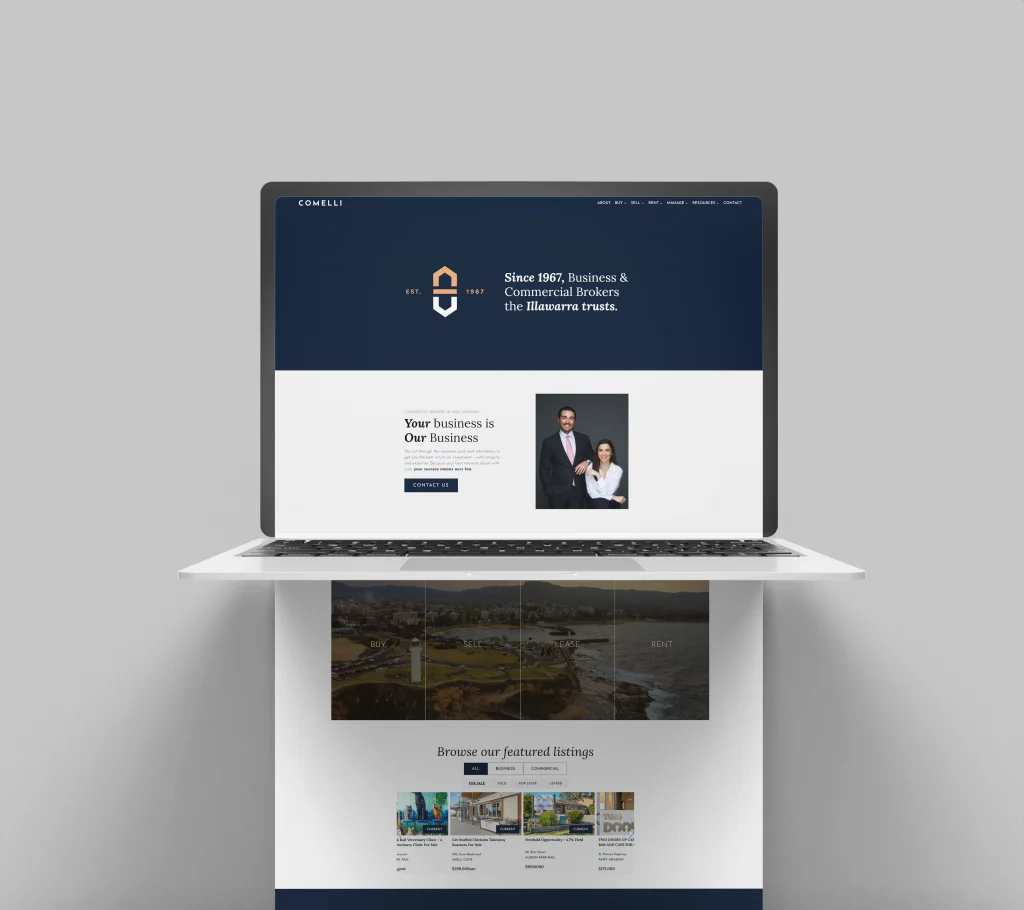
Best Practices for Adding Motion to Your Website
While motion can enhance your website, it's essential to use it wisely. Here are some best practices to keep in mind:
- Optimise for Performance: Ensure animations don't slow down your site, especially on mobile devices (which would be damaging for SEO).
- Prioritise Accessibility: Avoid motion that could cause discomfort for users with visual sensitivities.
- Focus on Goals: Every animation should serve a purpose, whether it's guiding users, providing feedback, or enhancing the brand narrative.
Did You Know? Websites that use optimised motion elements tend to have higher engagement rates and better user retention.
Is Your Website Too Static?
If your website feels too static or lacks that "wow" factor, it might be time to explore how motion can transform your user experience. At Adcraft, we specialise in creating dynamic, engaging websites tailored to your business goals.
Get in touch with us for a free consultation to see how motion can elevate your brand online.